
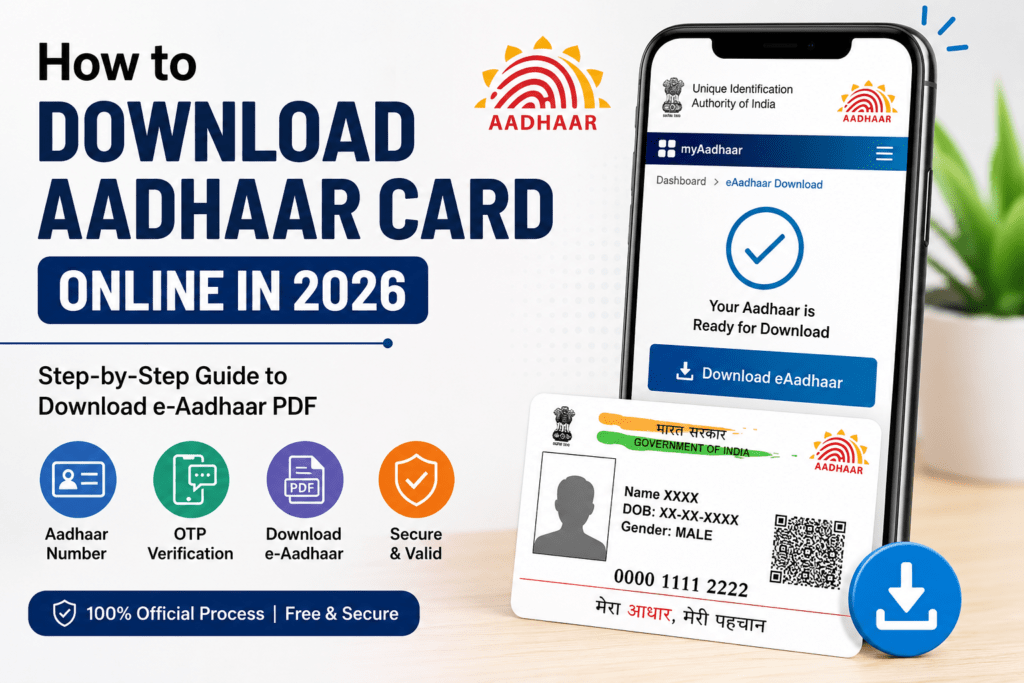
If you want to download your Aadhaar Card online in 2026, the process is quick, secure, and completely free. The Unique Identification Authority of India (UIDAI) allows every Aadhaar holder to download a digital copy of their Aadhaar card from the official website.
The downloaded version, known as e-Aadhaar, is digitally signed and is accepted just like the printed Aadhaar card for most government and private services.
In this guide, you’ll learn the latest method to download your Aadhaar card using your Aadhaar number, Enrollment ID (EID), or Virtual ID (VID), along with password details and solutions to common issues.
What is e-Aadhaar?
e-Aadhaar is the electronic version of your Aadhaar card issued by UIDAI. It contains the same information as the physical Aadhaar card and is protected with a password for security.
You can store it on your phone, laptop, or print it whenever needed.
Documents Required
Before downloading your Aadhaar Card, make sure you have:
- Aadhaar Number (12 digits), OR
- Enrollment ID (EID), OR
- Virtual ID (VID)
- Mobile number linked with Aadhaar
- OTP access
How to Download Aadhaar Card Online in 2026
Follow these steps carefully:
- Visit the official UIDAI website.
- Click on Download Aadhaar.
- Choose one of the following:
- Aadhaar Number
- Enrollment ID (EID)
- Virtual ID (VID)
- Enter your selected number.
- Fill in the captcha code.
- Click Send OTP.
- Enter the OTP received on your registered mobile number.
- Click Verify & Download.
- Your Aadhaar Card PDF will be downloaded instantly.
Aadhaar PDF Password
The downloaded PDF is password-protected.
The password format is:
First four letters of your name in CAPITAL letters + Birth Year
Example
- Name: Rahul Kumar
- Birth Year: 1999
- Password: RAHU1999
How to Download Aadhaar Without Aadhaar Number
If you don’t remember your Aadhaar Number:
- Visit the UIDAI website.
- Use the “Retrieve Lost or Forgotten EID/UID” option.
- Enter your registered mobile number.
- Verify using OTP.
- Receive your Aadhaar Number.
- Download your Aadhaar Card.
How to Download Aadhaar Using Mobile Number
If your mobile number is linked with Aadhaar:
- Visit UIDAI.
- Select Download Aadhaar.
- Enter Aadhaar Number.
- Verify OTP.
- Download PDF.
Benefits of e-Aadhaar
- Completely free
- Available anytime
- Digitally signed
- Accepted across India
- Easy to store
- Secure PDF protection
- Instant download
Common Problems While Downloading Aadhaar
OTP Not Received
- Check mobile network.
- Ensure your mobile number is linked with Aadhaar.
- Wait a few minutes and try again.
Invalid Aadhaar Number
- Double-check the entered Aadhaar Number.
PDF Password Not Working
- Use: First 4 letters of your name in CAPITAL letters + Birth Year.
Mobile Number Not Linked
- Visit your nearest Aadhaar Enrollment Centre to update your mobile number.
Is e-Aadhaar Valid?
Yes. The downloaded e-Aadhaar is digitally signed by UIDAI and is considered valid for identity verification in accordance with UIDAI guidelines.
Safety Tips
- Download Aadhaar only from the official UIDAI website.
- Never share OTP with anyone.
- Avoid downloading Aadhaar on public computers.
- Keep your PDF password confidential.
Frequently Asked Questions (FAQs)
Conclusion
Downloading your Aadhaar Card online in 2026 is a simple and secure process. As long as your mobile number is linked with Aadhaar, you can download your e-Aadhaar within a few minutes. Always use the official UIDAI website, keep your PDF password secure, and avoid sharing your OTP with anyone. Whether you need Aadhaar for banking, government services, or identity verification, the digital version is a convenient and legally valid option.

Sam is a dedicated scholarship writer who helps students find genuine financial aid opportunities. He explains eligibility, benefits, and application steps in simple English so students can easily apply without confusion. His goal is to make quality educational support easier to access for everyone.